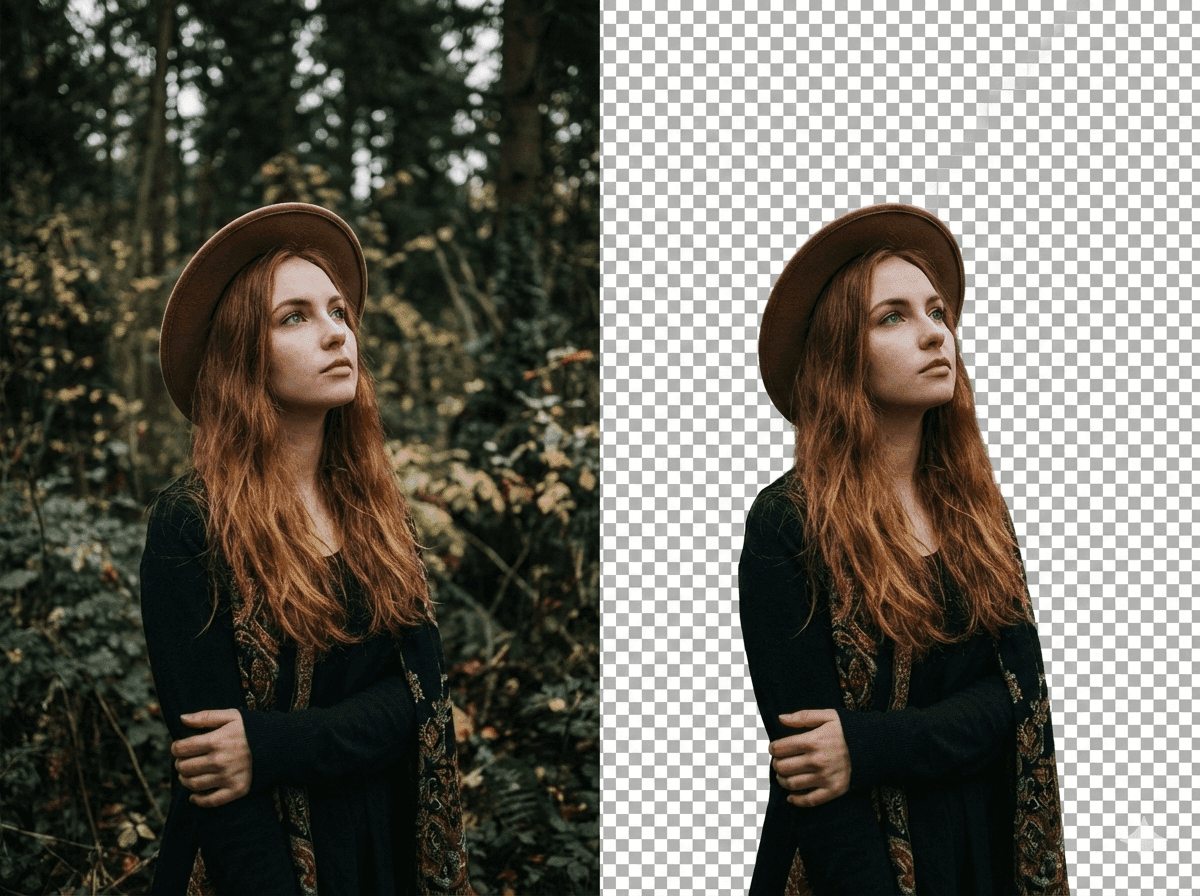
Change Photo Backgrounds
Replace a distracting scene with a studio, travel, product, or creative background while keeping the main subject.
Upload a photo and describe what you want to change. Replace backgrounds, change outfits, remove objects, recolor details, or transform photo styles with AI in seconds.
NanoGPT is a browser-based AI photo changer that transforms images with text prompts. Change backgrounds, outfits, objects, colors, and styles, then use enhancement, restoration, and creative tools in one workspace.
Use a specific prompt, review the generated result, and refine only what needs another pass. Go beyond photo changes with focused tools for enhancement, restoration, and creative transformations.
Product facts are reviewed by the NanoGPT Editorial Team against the currently available tools. Read our editorial standards
Use a specific prompt, review the generated result, and refine only what needs another pass.
Choose a clear JPG, PNG, or GIF under 10MB. Use a well-lit image when identity and small details matter.
State what should change and what should stay, such as: replace the background but keep the person, pose, and lighting.
Generate the edited image, then check the subject, edges, shadows, and requested details before accepting it.
Adjust the prompt for another pass or download the result when the photo matches your intended use.
Use text prompts for focused visual changes instead of rebuilding a photo layer by layer.
Replace a distracting scene with a studio, travel, product, or creative background while keeping the main subject.
Restyle clothing, colors, lighting, and mood while asking AI to preserve the face, pose, and composition.
Remove a background distraction or replace a visible object without rebuilding the entire photo manually.
Change the color of clothes, furniture, products, or other details while leaving unrelated areas unchanged.
NanoGPT is designed for quick, prompt-based photo changes in a browser, with focused tools available for follow-up work.
Useful for creators, marketers, online sellers, social teams, and everyday users who can describe the result they want and review an AI-generated variation.
Choose a manual editor when every mask, layer, brand color, measurement, or legal production detail must match an exact specification. AI results can vary between generations.
The right workflow depends on whether you value natural-language direction, exact manual control, or a fixed preset.
| Editing criterion | NanoGPT | Manual photo editor | One-click filter |
|---|---|---|---|
| Natural-language photo changes | Included | Requires skill | Limited |
| Exact pixel-level control | Limited | Included | Limited |
| Focused follow-up tools | Included | Requires skill | Limited |
| Beginner-friendly first result | Included | Limited | Included |
This comparison describes typical workflows rather than guaranteed output quality. Results depend on the source image, prompt clarity, and the type of requested change.
Make precise photo changes with text prompts, then enhance, restore, or export your result.
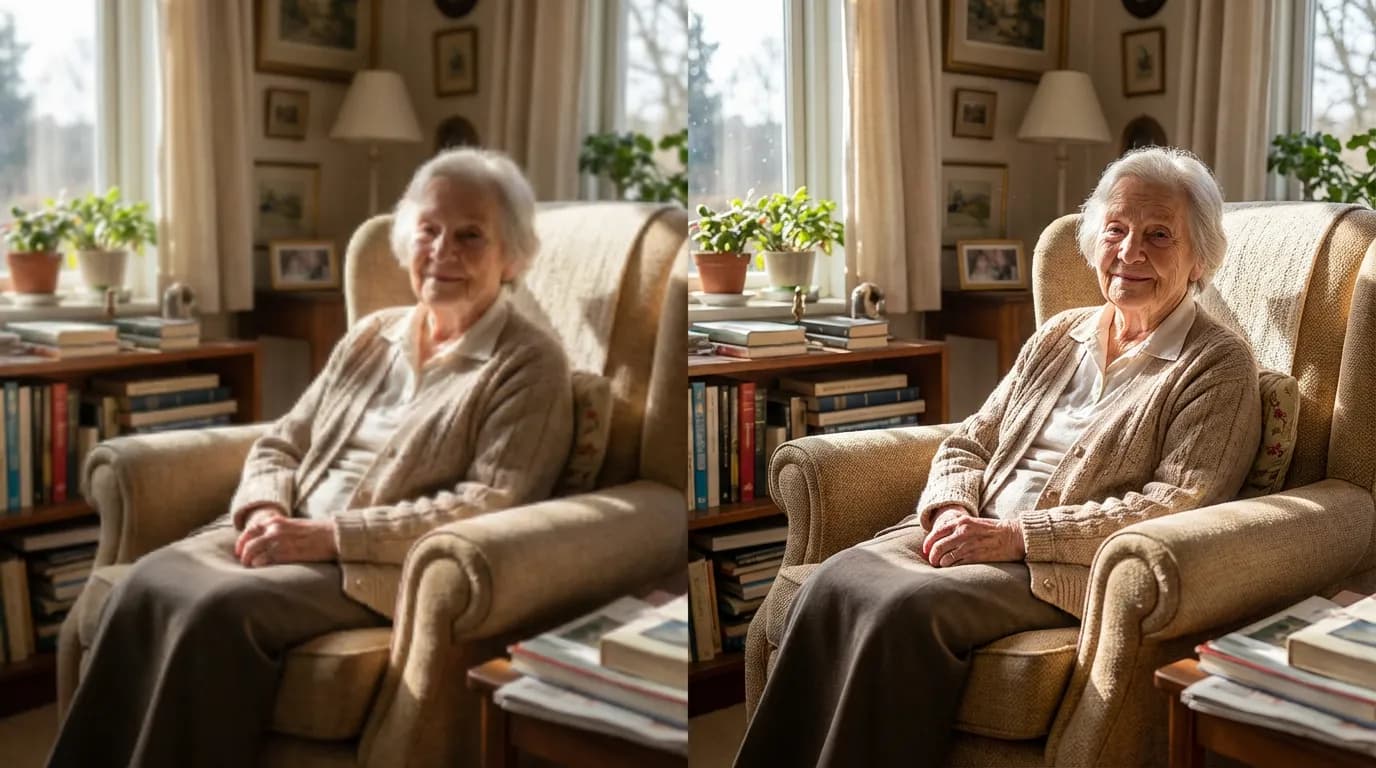
Upload a photo and let AI automatically upscale and enhance it. Get high-resolution results instantly.
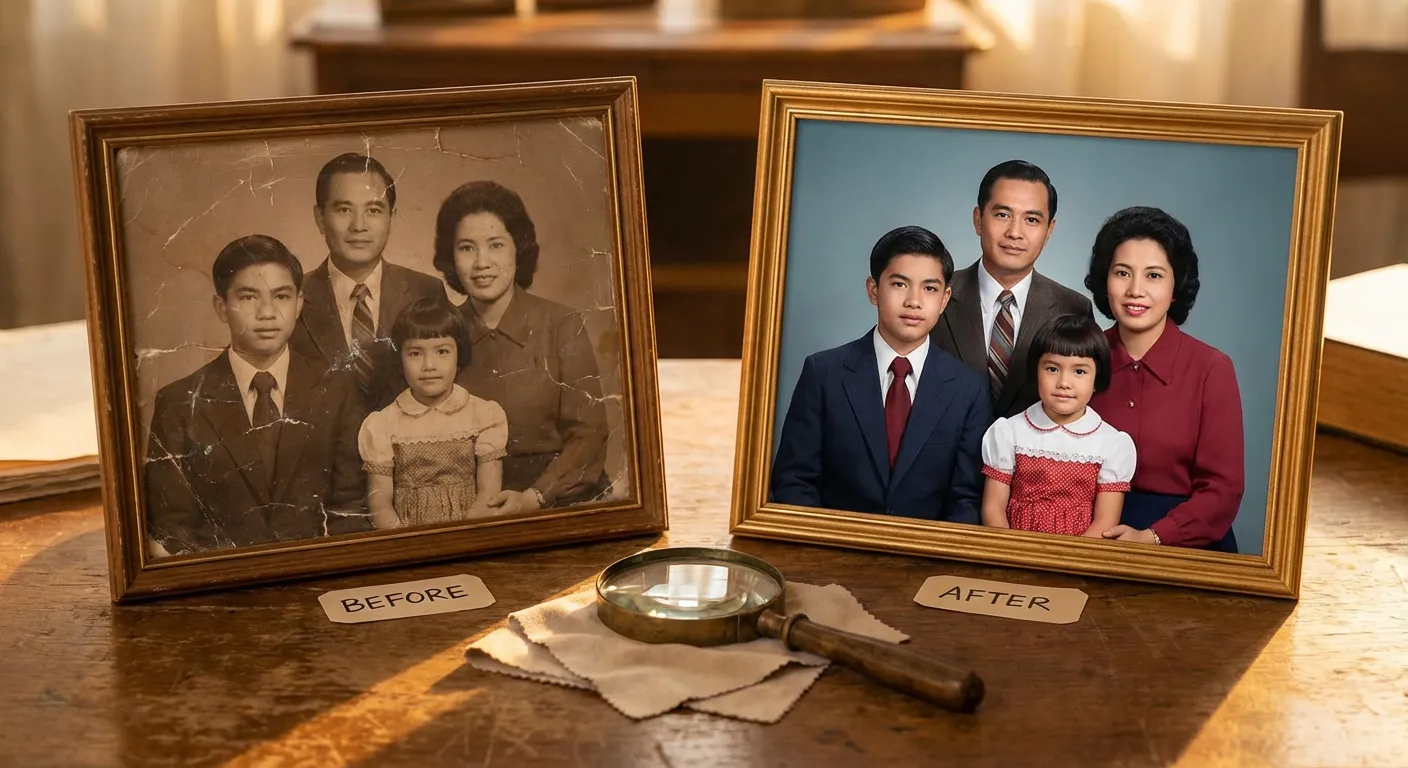
Upload a damaged photo and let AI restore old photo quality automatically. Bring family archives back to life with clean, natural details.
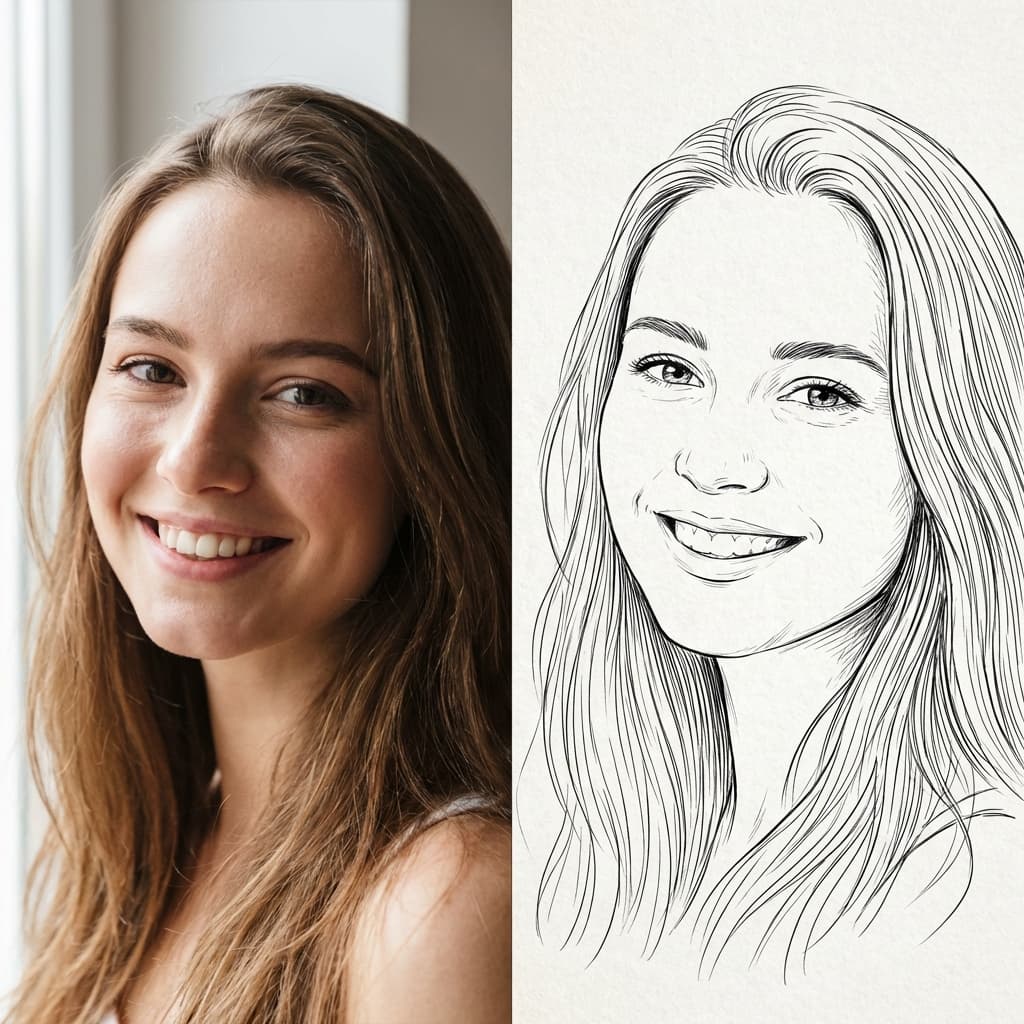
Upload a photo and let AI reduce it to essential lines, creating a clean sketch automatically.
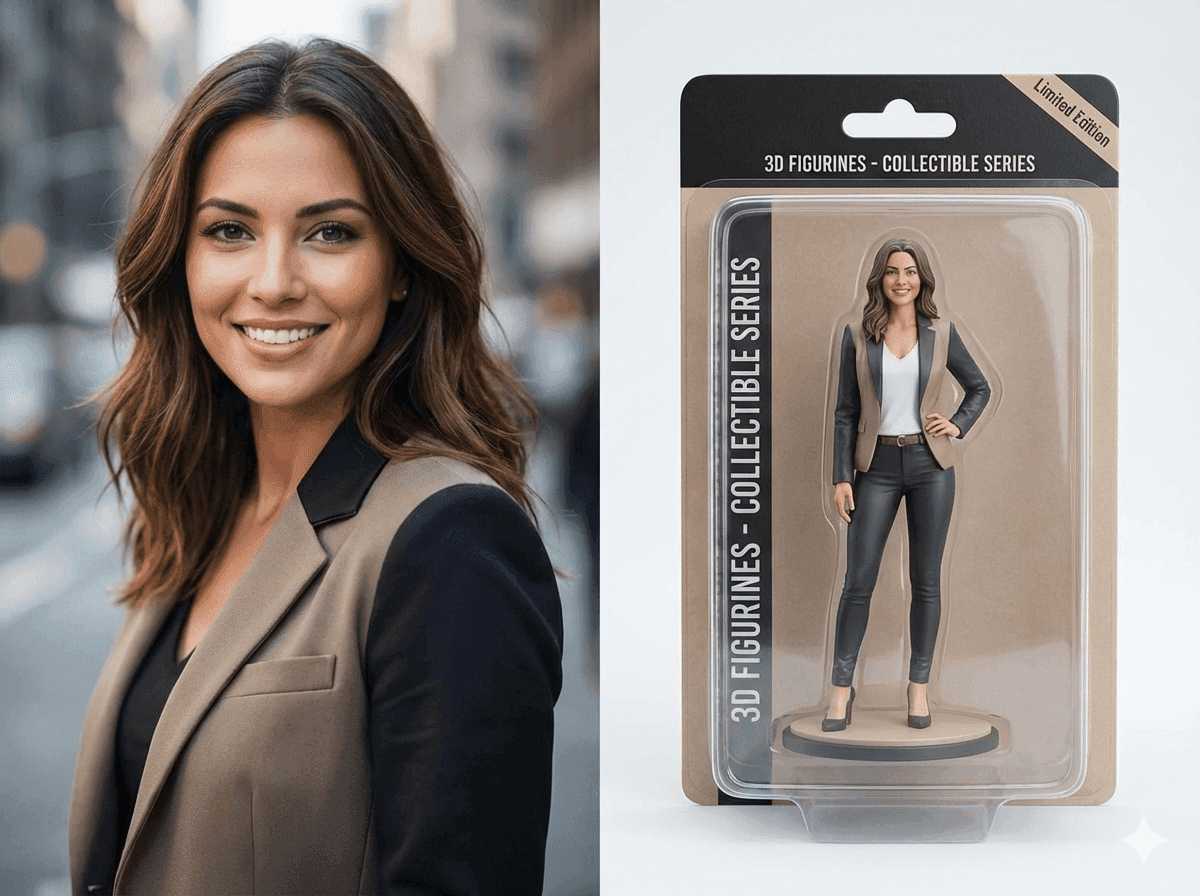
Upload a photo and let AI transform it into a stunning 3D figurine. Get professional collectible-quality results instantly.
Upload an image and let AI remove the background automatically. Get transparent PNG in seconds.
Everything you need to know about changing photos with AI text prompts.
NanoGPT AI Photo Changer lets you upload a photo and describe an edit in natural language. You can change backgrounds, outfits, objects, colors, and styles, then use enhancement tools when needed.
Upload your image, enter a clear prompt describing the change, and generate a new version. For example, ask AI to replace a background, remove an object, or give the photo a new style.
Yes. Upload your photo and describe the new setting you want. The AI can create a clean studio, lifestyle, or imaginative background around your subject.
Yes. Describe the object to remove or what should replace it. Clear instructions and well-lit source photos generally produce the most reliable results.
Yes. NanoGPT also includes focused tools for photo enhancement, image upscaling, old photo restoration, background removal, line art, and 3D figurines.
Say what should change and what should stay. For example: keep the person and pose, replace the background with a bright modern office, and preserve natural lighting.
Reviewed and maintained by the NanoGPT Editorial Team.